- myAT&T for BusinessManage your small business voice, data, TV and IP- based products and services
- Business CenterManage many of your AT&T accounts and services conveniently online
- BusinessDirect®Manage your business phone, voice, data and IP-based services
- Cloud SolutionsCreate an account, select your service, choose a payment
- PremierManage your wireless accounts
- Wi-Fi ServicesManage your AT&T Wi-Fi account
Select your AT&T Service
- Select your AT&T service
- Small businessManage your accounts with MyAT&T
- PremierManage your wireless accounts
- Business CenterManage many of your AT&T accounts and services conveniently online
- BusinessDirectManage your business phone, voice, data and IP-based services
- Wi-Fi servicesManage your Wi-Fi services
- Cloud solutionsManage your Cloud solutions

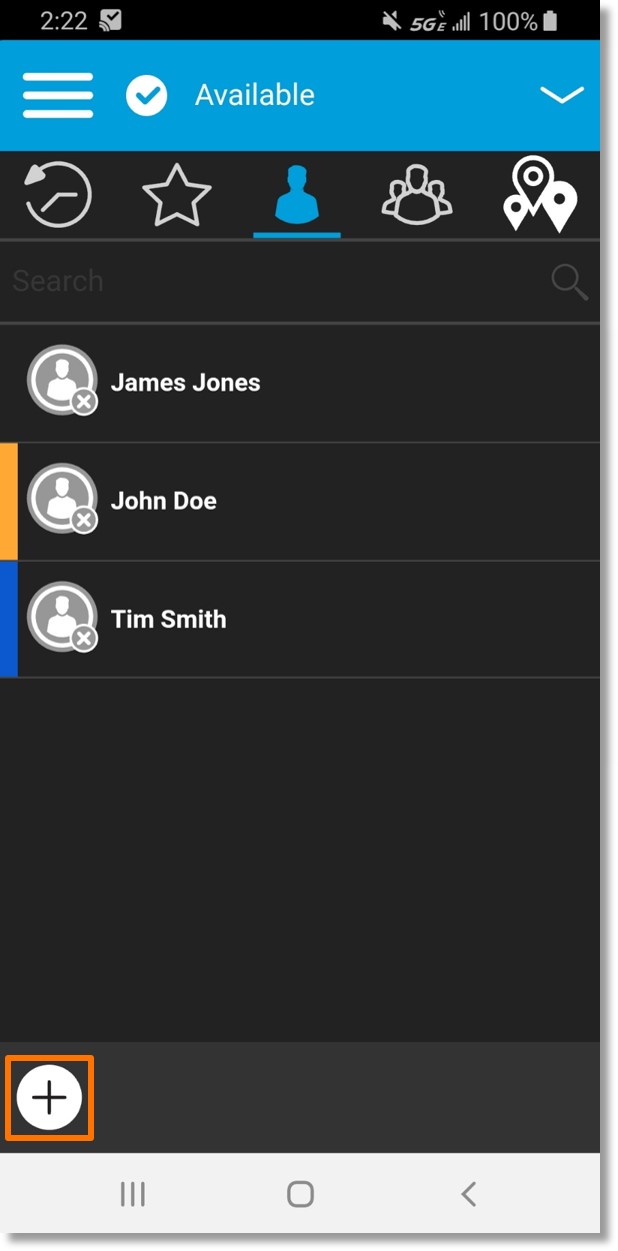
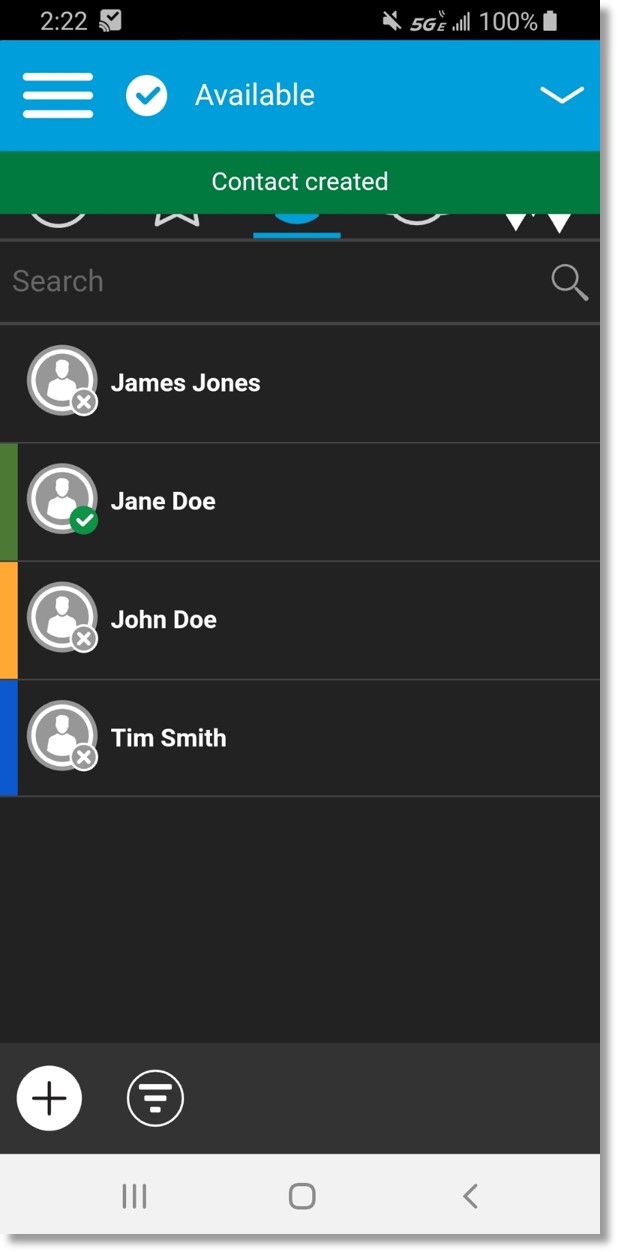
 at the bottom left.